See Cloud Hub Pro in Action
Experience seamless Microsoft 365 update management in Teams
Overview
See the main features for your Microsoft 365 tenant´s messages in the following solution.
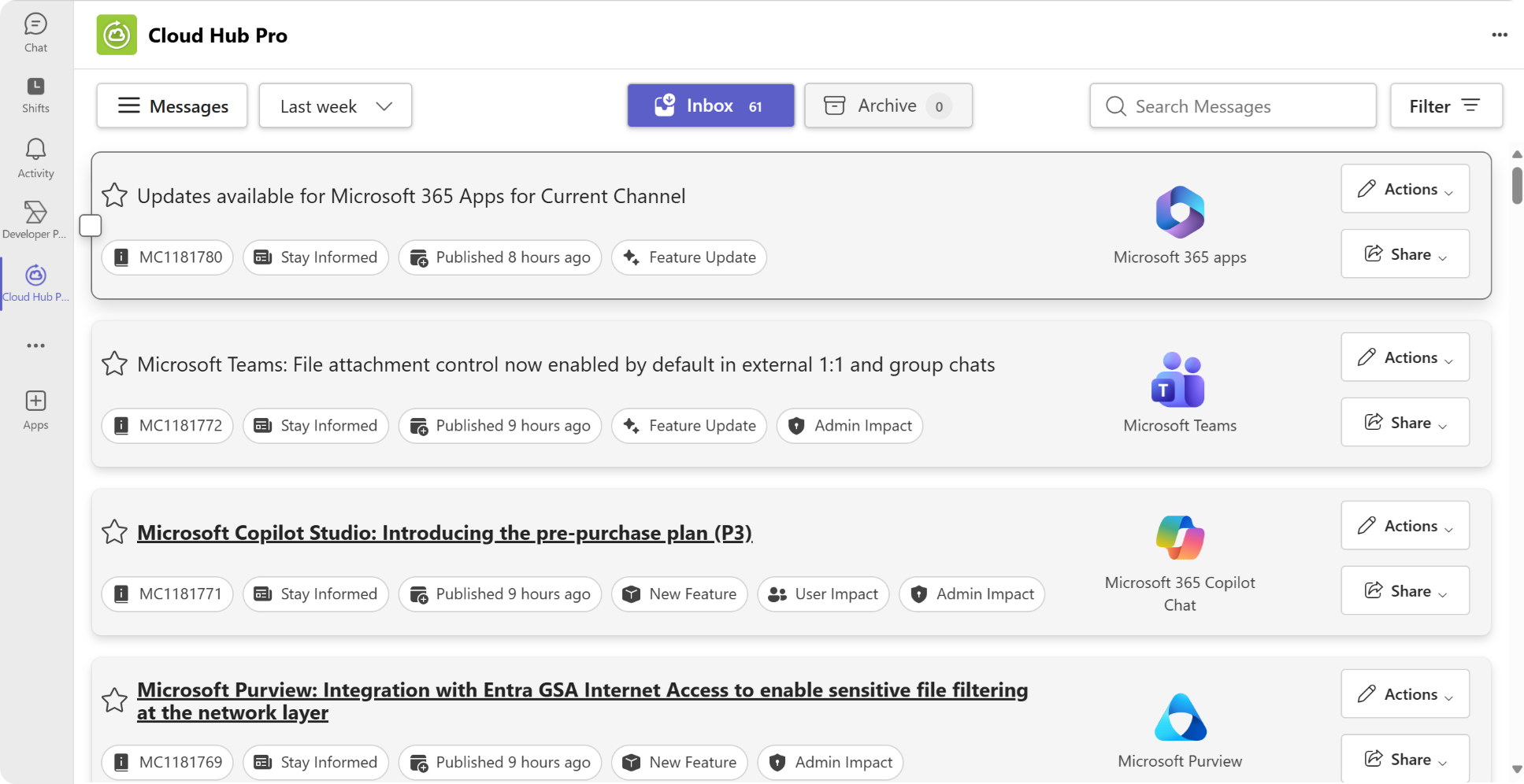
Dashboard Overview
All your updates in one central location
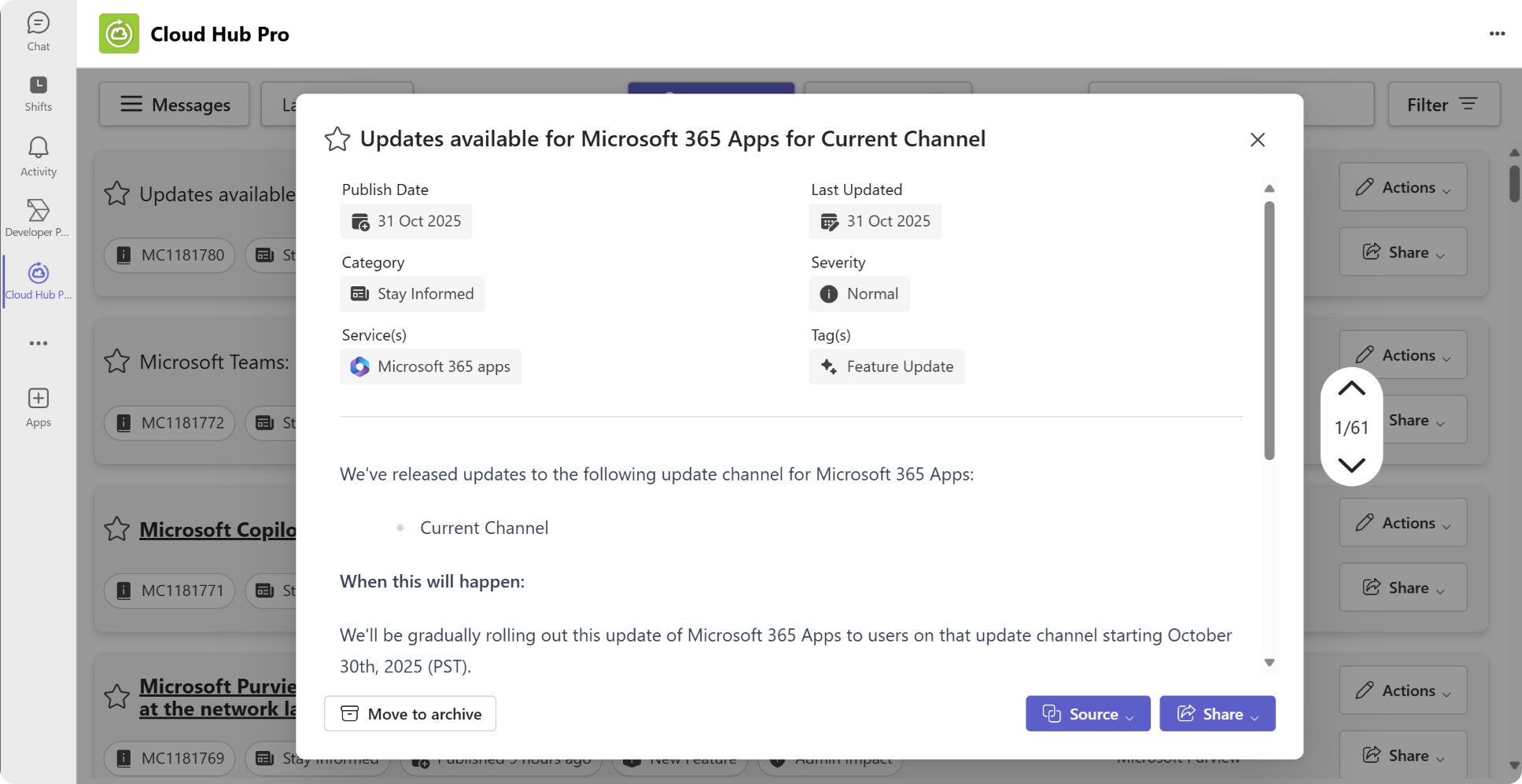
Change Management
Track upcoming Microsoft 365 changes and stay informed about announcements and cancellations.
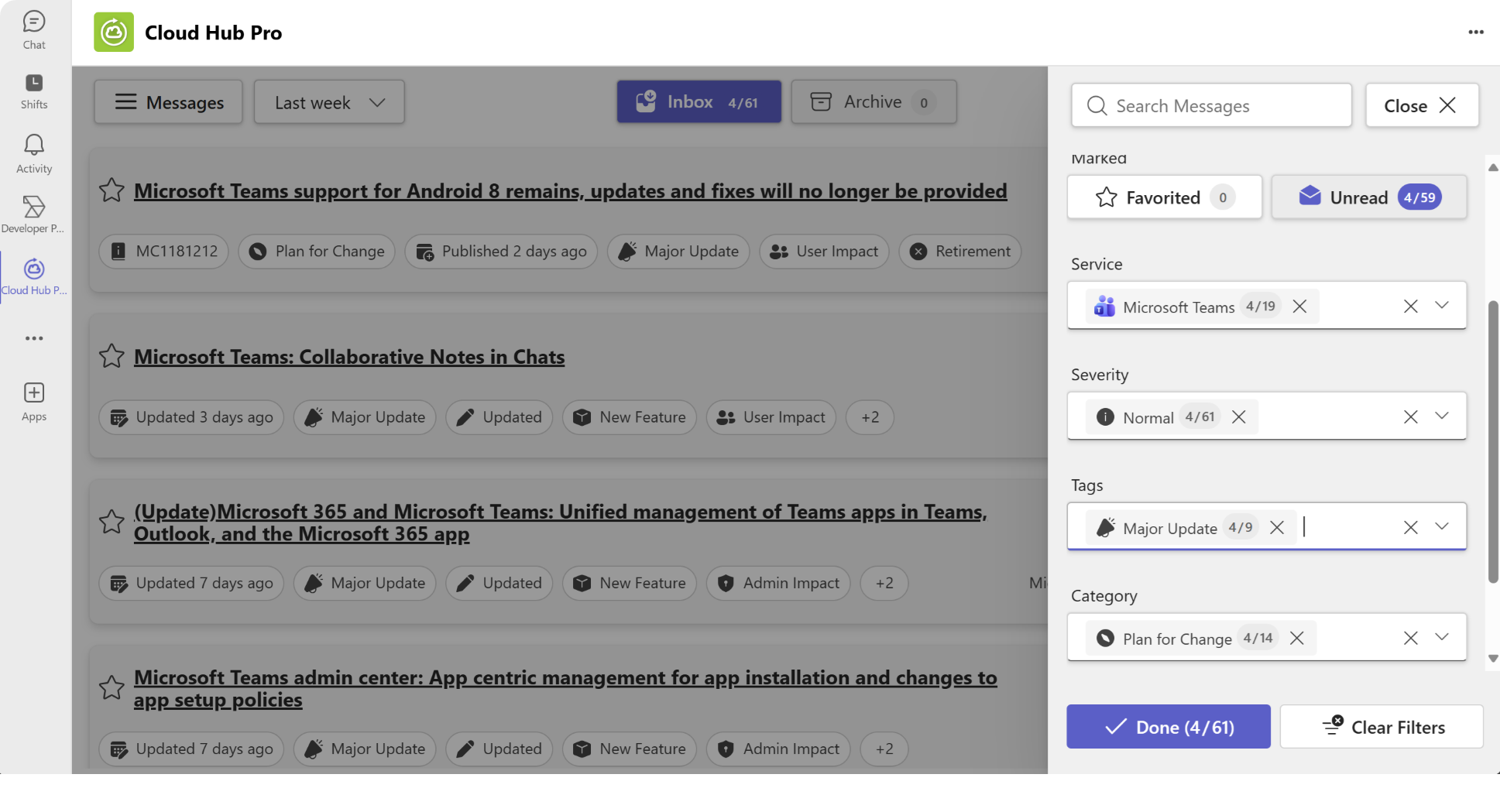
Filter messages
Find relevant messages instantly with multiple filters
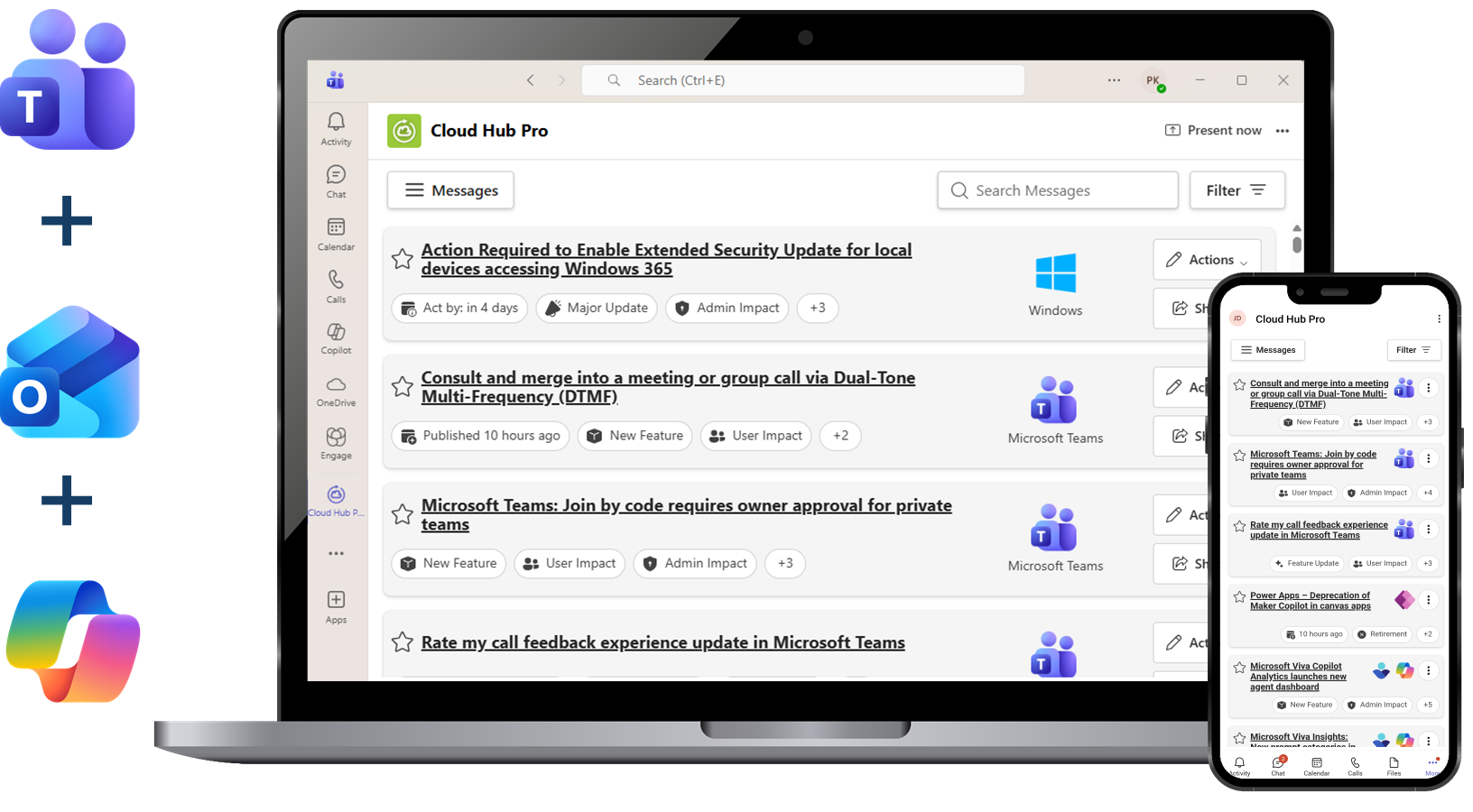
Platforms supported
Use the app on your desktop and mobile
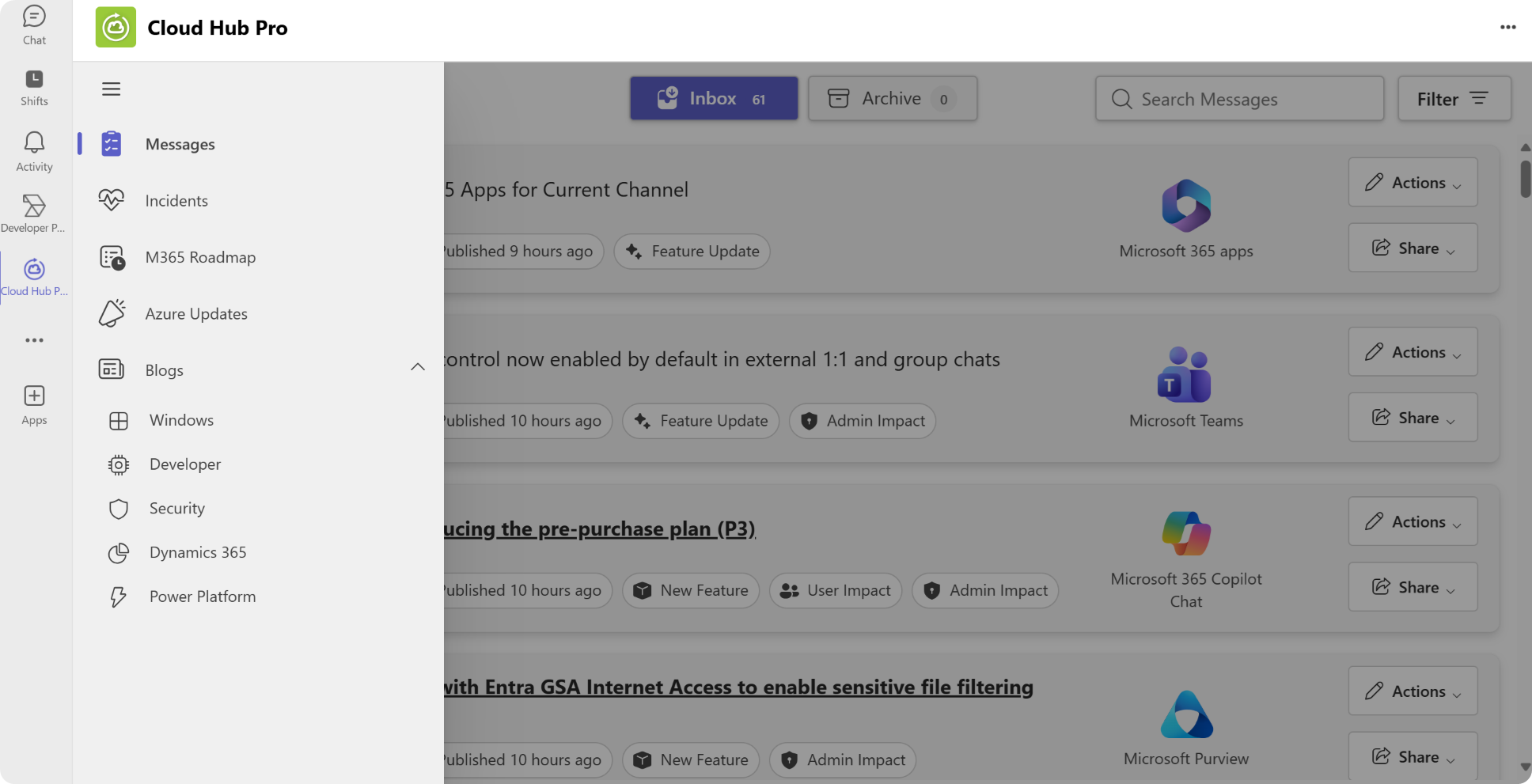
News sources
Expanded coverage to include blogs and other news sources.
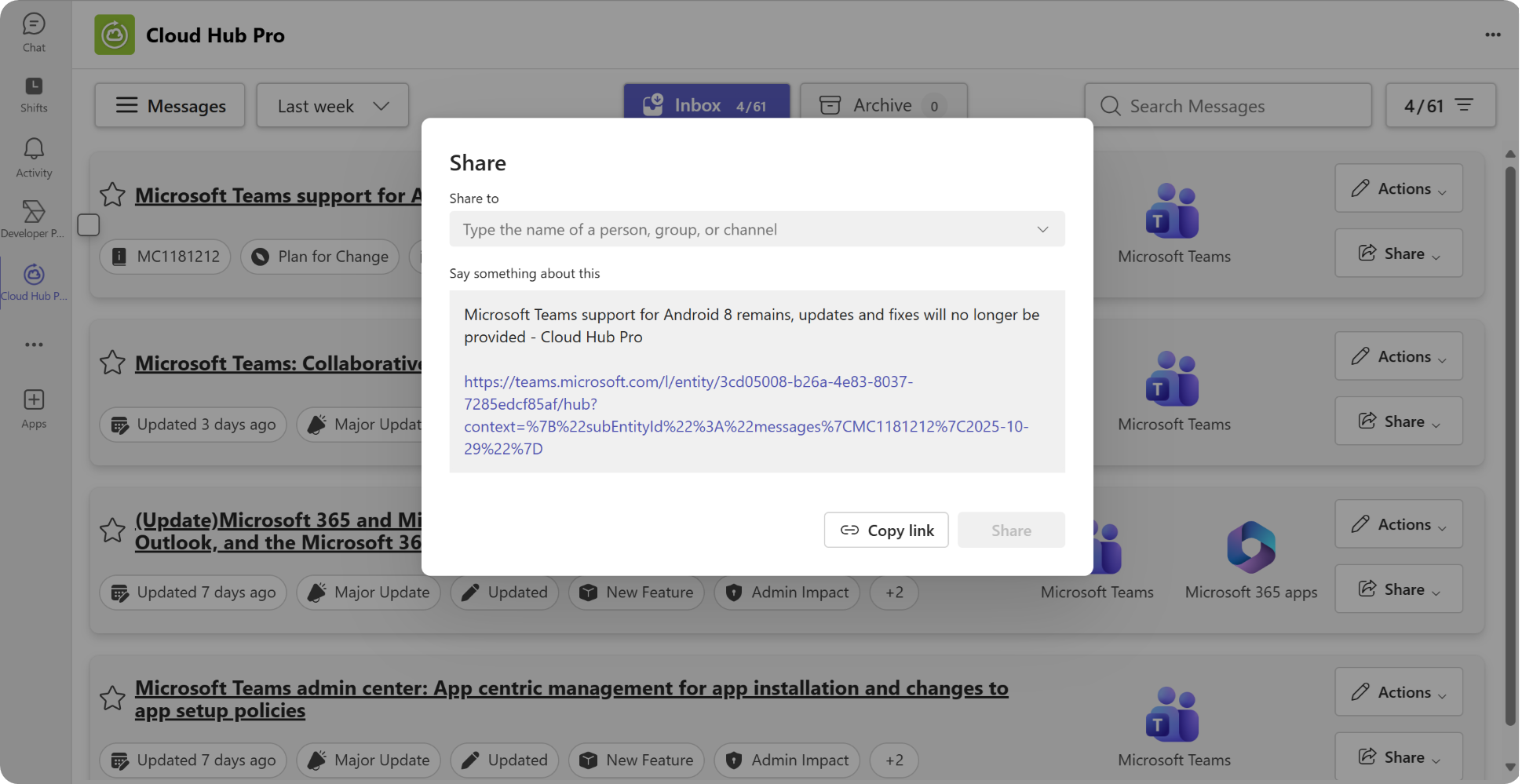
Share important messages
Manage and inform your colleagues about critical updates
Get Started in Minutes
Follow these simple steps to set up Cloud Hub Pro for your organization
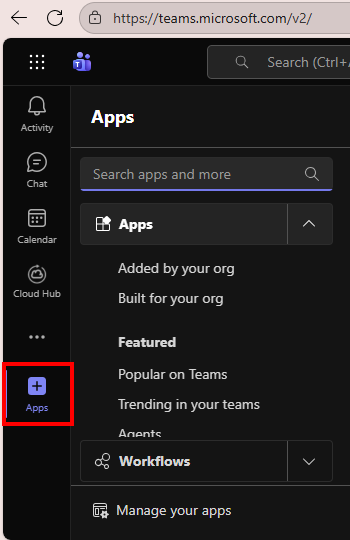
Open the Apps menu
In the Microsoft Teams menu click on the "Apps" icon in the left menu bar to find all apps.
- In Microsoft Teams, open the "Apps"
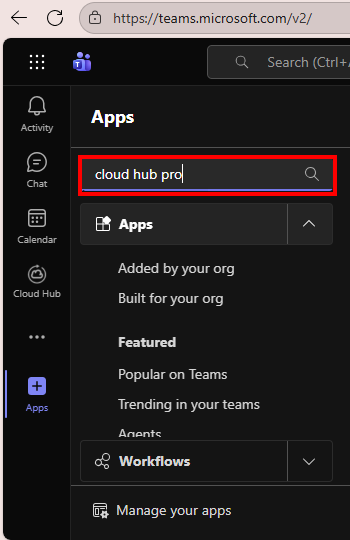
Add the app
Find the Cloud Hub Pro app and add it to your Teams.
- Search for "Cloud Hub Pro"
- Add the App
- Note: This can depend on your organization´s settings. If your are not able to add the app, ask your administrator to do so.
Open Cloud Hub Pro
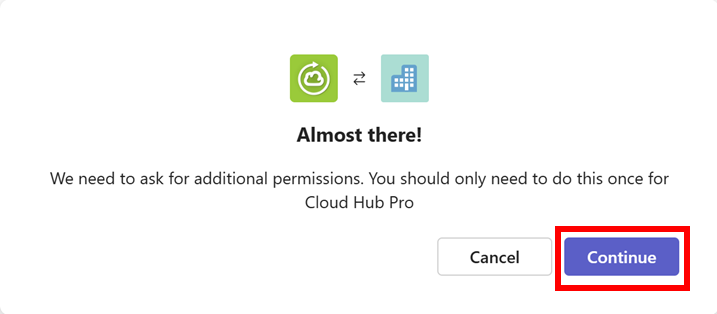
Open the app. At the first start, the app informs that permissions must be granted. Click on Continue.
- Open the add after getting it through the Teams store
- The following screen appears next
- At the first start, a screen like the one on the right will appear
- Click on "Continue"
Grant consent as administrator
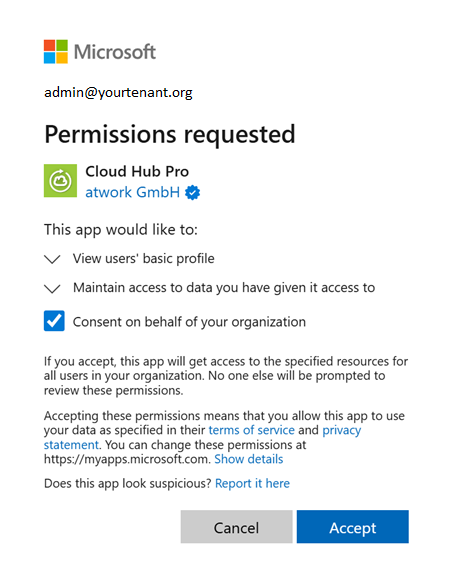
Grant Cloud Hub Pro the necessary permissions to access your Microsoft 365 tenant data. The app uses secure OAuth authentication and only requests read-only access to Message Center and Service Health data.
- A new window opens
- Select your Admin account
- Tick the box "Consent on behalf of the organization"
- Press "Accept" to give the app their requested permissions
- Cloud Hub Pro is ready for use
- Note: This step is required only once by an admin
Done & Start Receiving Updates
You're all set! Cloud Hub Pro will now automatically fetch and display Microsoft 365 updates directly in Teams. Use filters and search to find specific updates, and share important information with your team instantly.
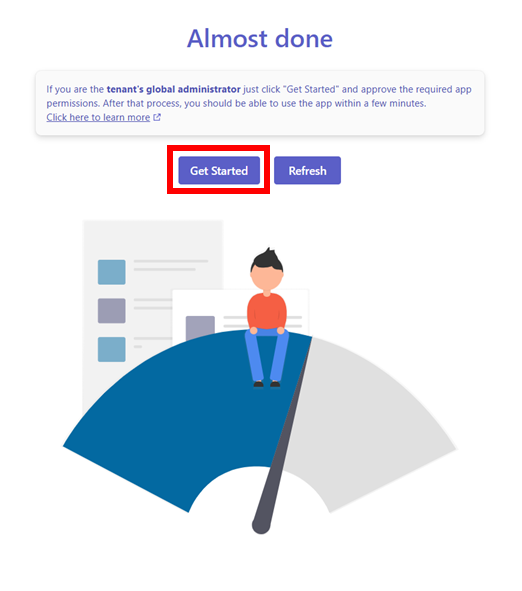
- Once accepted, wait a bit until the following screen pops up
- The initial collection of data usually requires a couple of minutes
- To see if the data collection process is completed, you can click on "Refresh" from time to time.
- Press "Get Started"
- Then Cloud Hub pro is ready to use. See See Cloud Hub Pro overview
- Note: An administrator can deploy the app in your organization for all users or for specific users in the Microsoft Teams Admin Center at https://admin.teams.microsoft.com/