Microsoft Marketplace
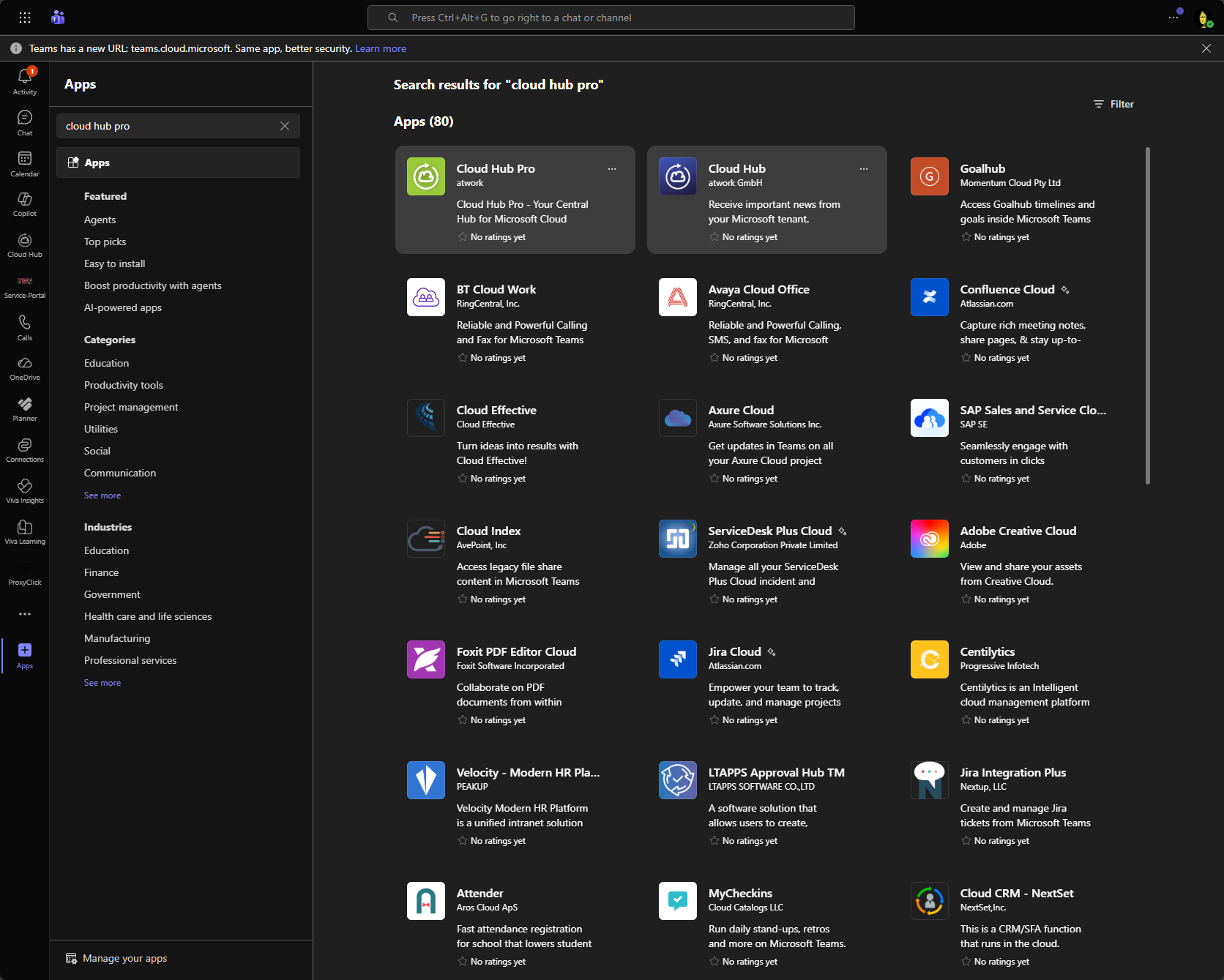
Zuerst muss der Cloud Hub Pro im Teamsclient in der App Ansicht gesucht werden
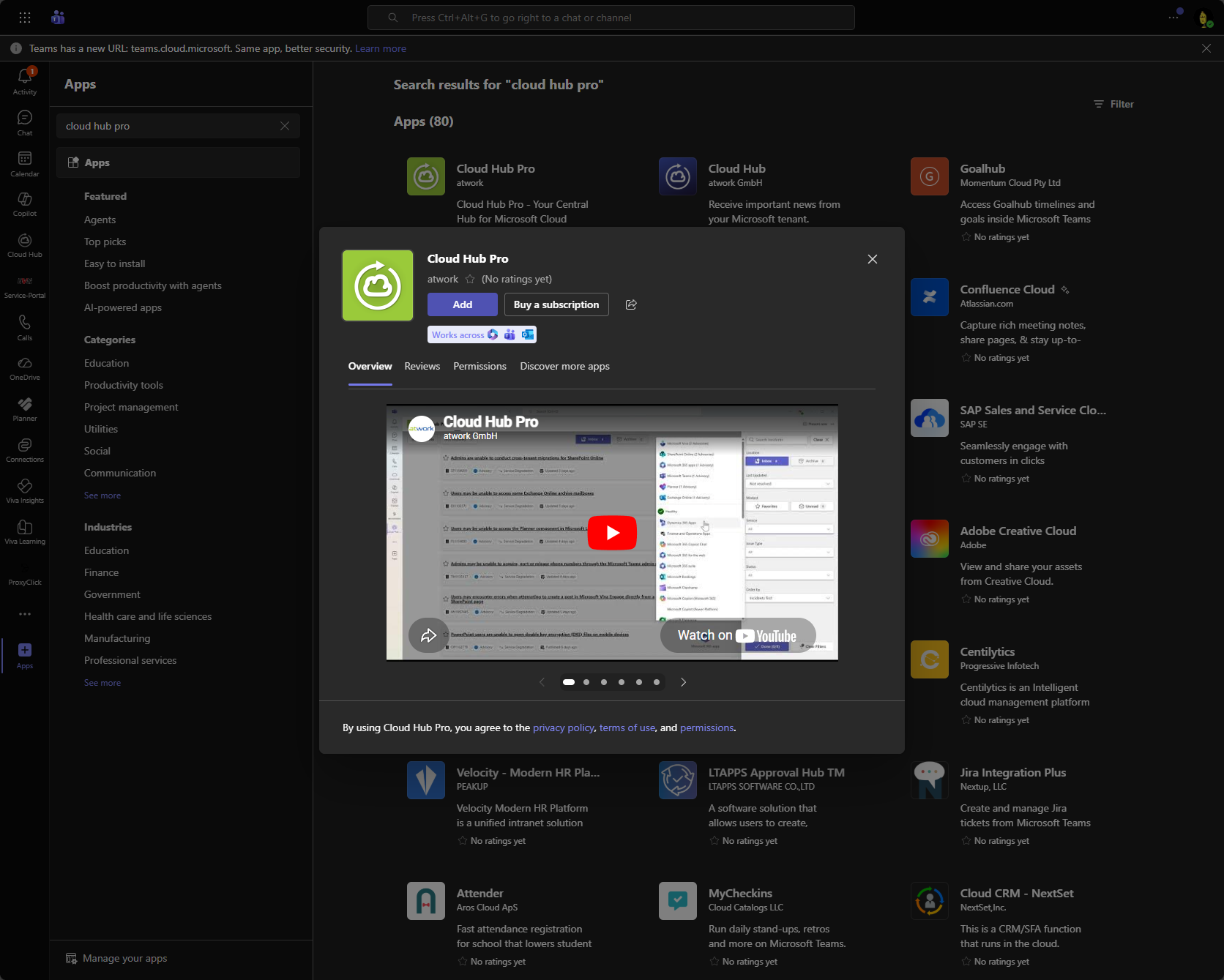
Dort kann er anschließend ausgewählt und mit "Buy a Subscription" der Kaufprozess gestartet werden.
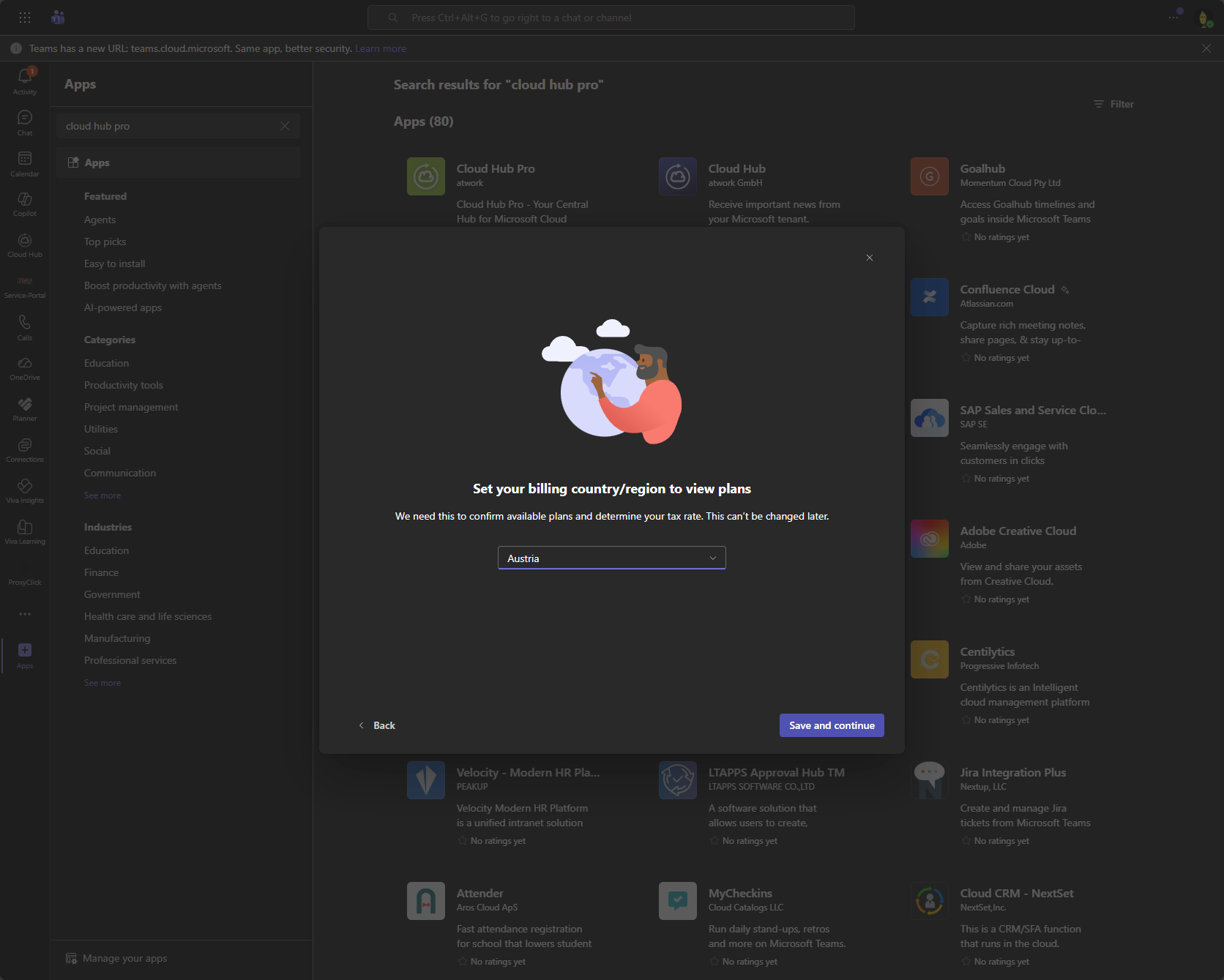
Das Land für den Kauf muss entsprechend ausgewählt werden.
Anschließend wird die entsprechende Produktkategorie ausgewählt. Sollte für den Kunden bzw. Tenant ein Private offer aktiviert sein, so ist dies in dieser Liste auszuwählen.
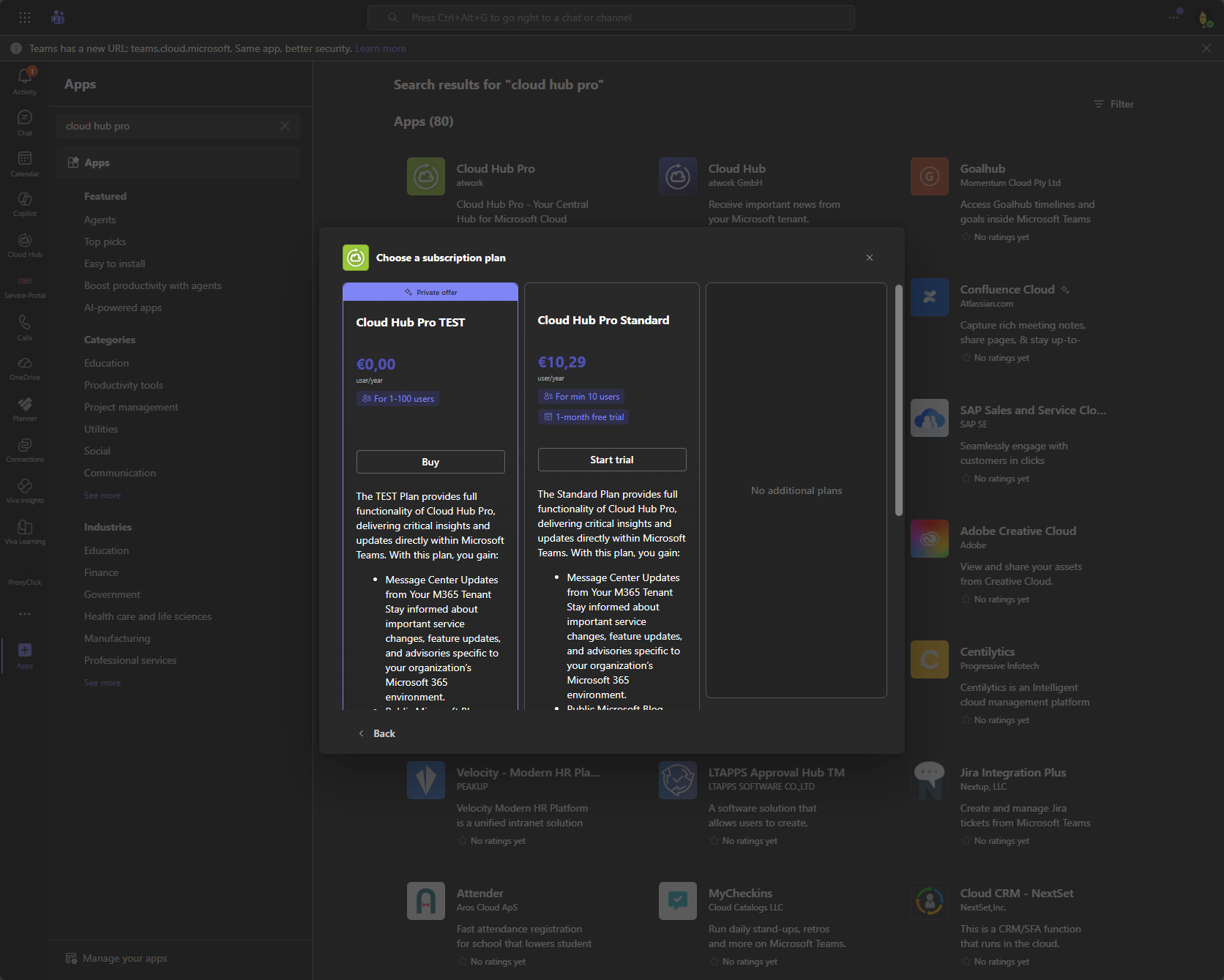
Nach Auswahl des Produkts werden die Grunddaten für den Kauf angezeigt. Neben Anzahl der Lizenzen wird auch der Preis dafür angezeigt.
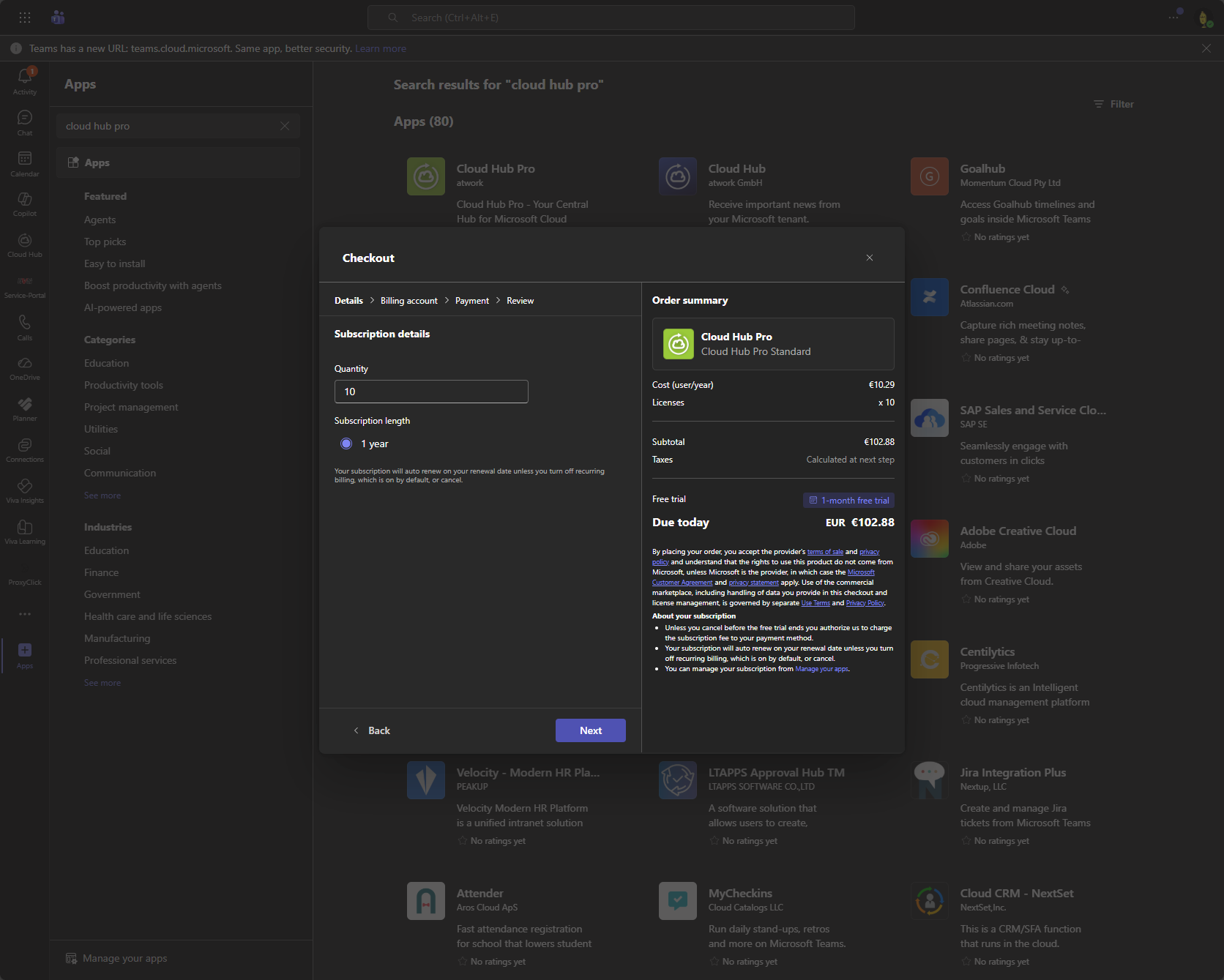
Existiert in diesem Tenant kein Billing Profil, so muss an dieser Stelle das Profil angelegt werden.
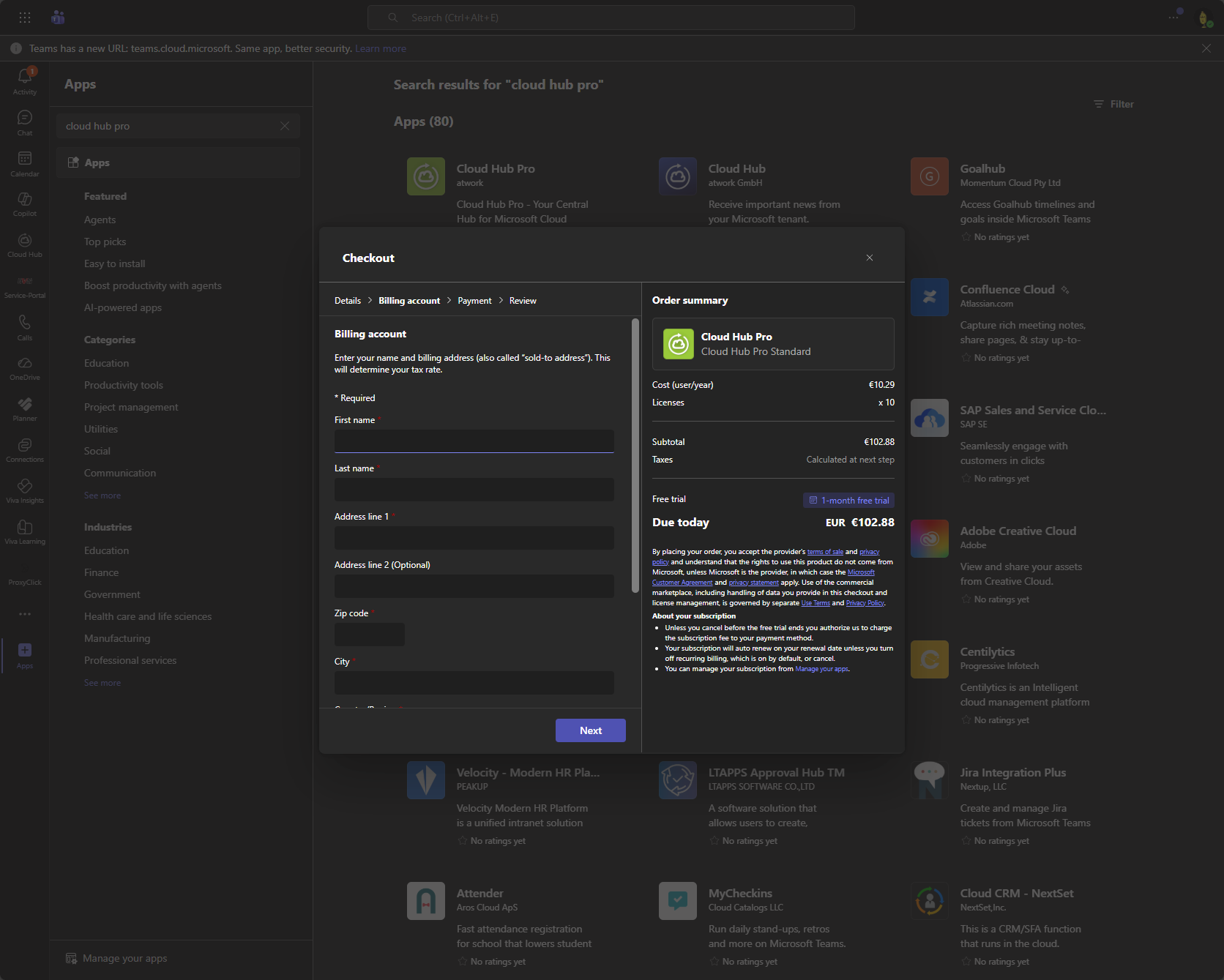
Eine VAT ID wird ebenfalls abgefragt.
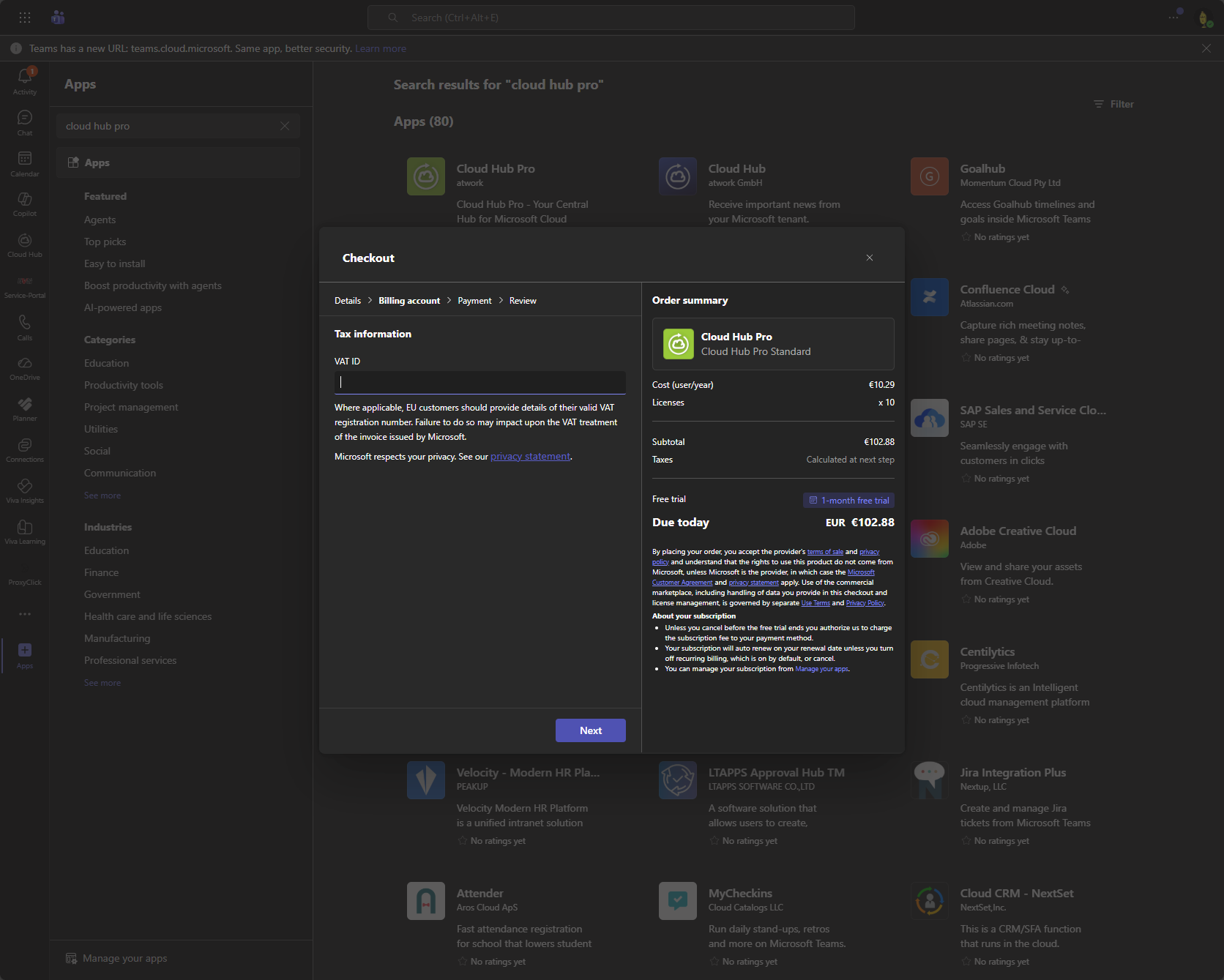
Mit den Kreditkarteninformationen werden anschließend die Zahlungsmodalitäten definiert.
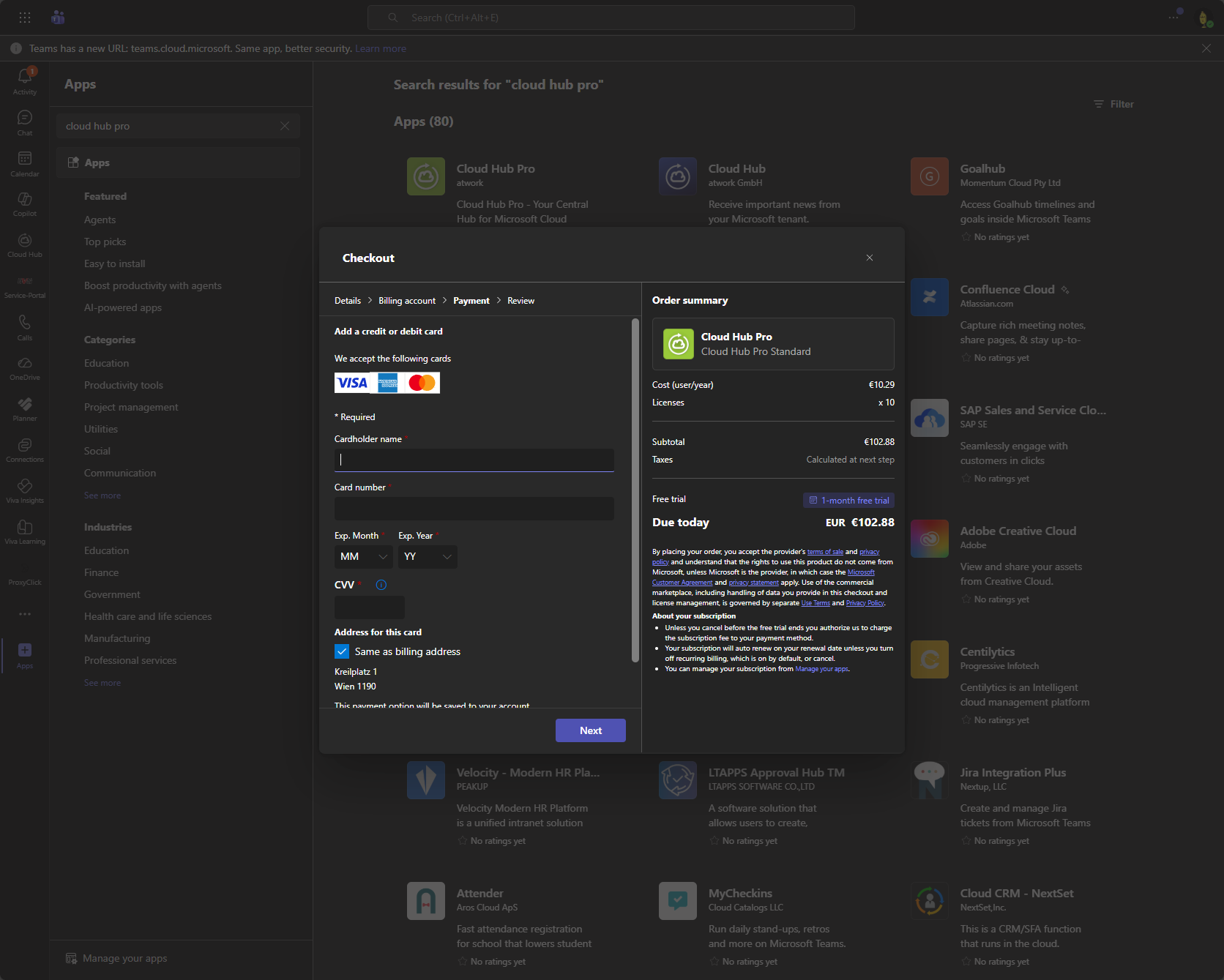
Überprüfung per 3D Secure Code falls notwendig wird ebenfalls inline abgebildet.
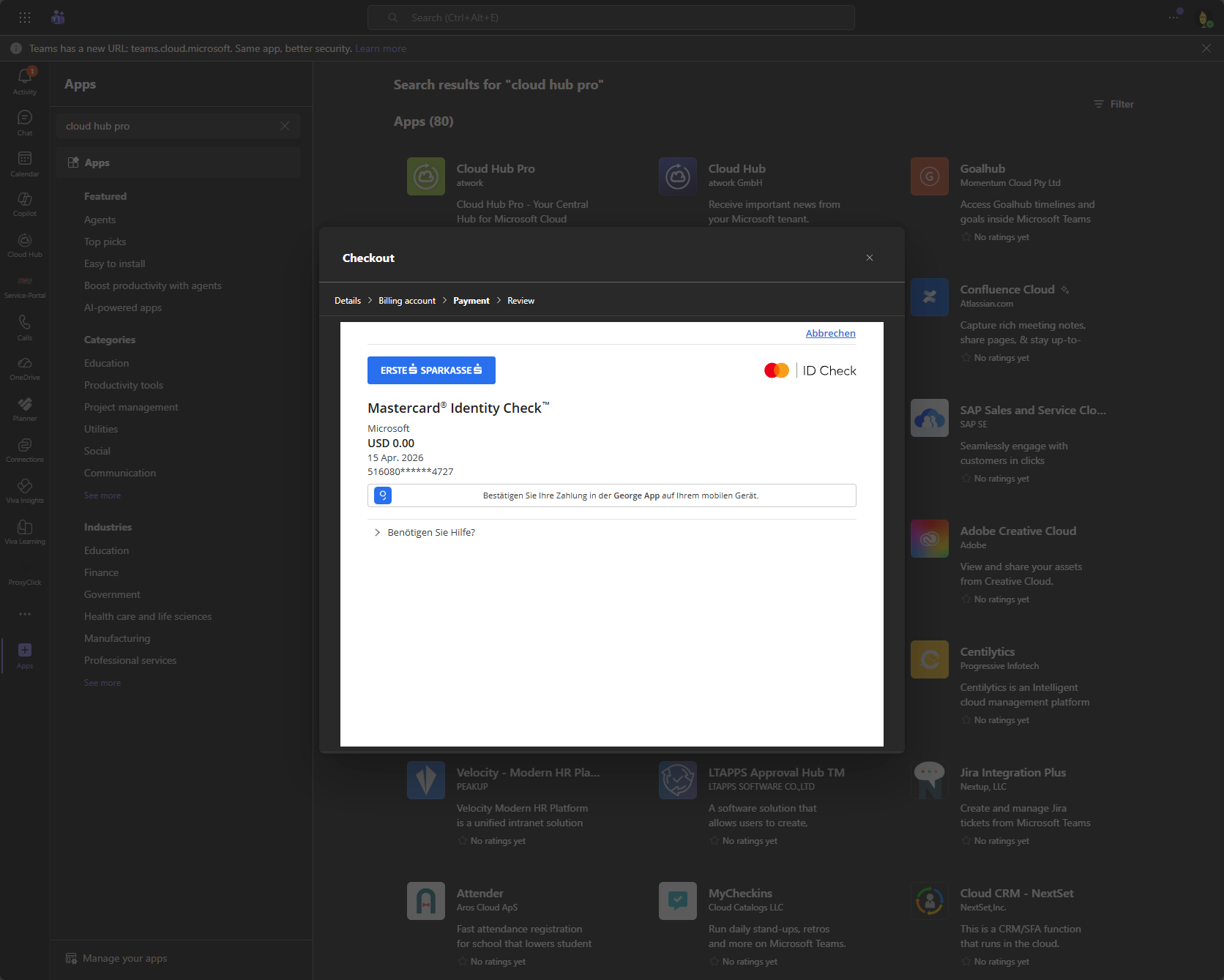
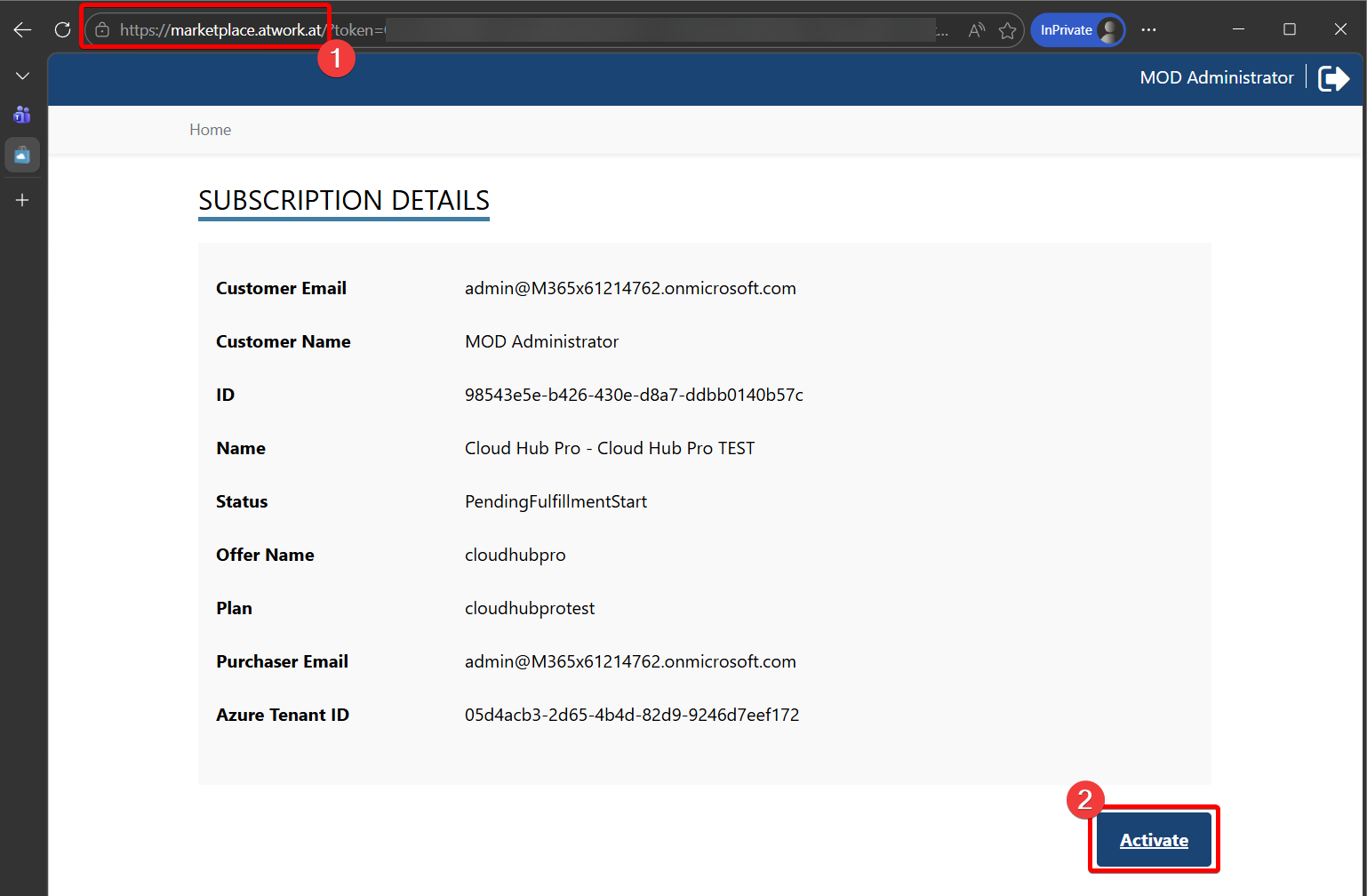
After successfull payment the subscription activation needs to be done on the atworks market place store page. The user will be redirected to https://marketplace.atwork.at
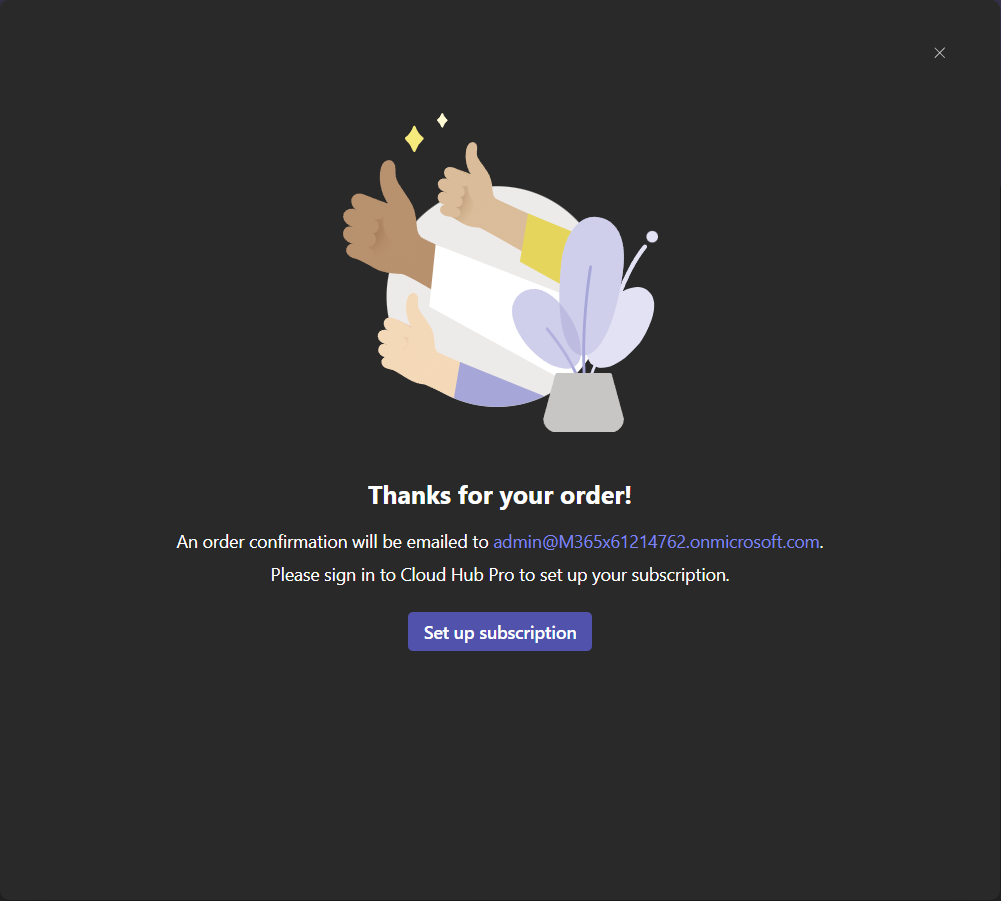
If the application was not approved, the consent screen will appear again to allow login on the market application.
After successfull login the subscription details will be shown and the subscription can be activated with the click on the Activate Button.
Activation Issue
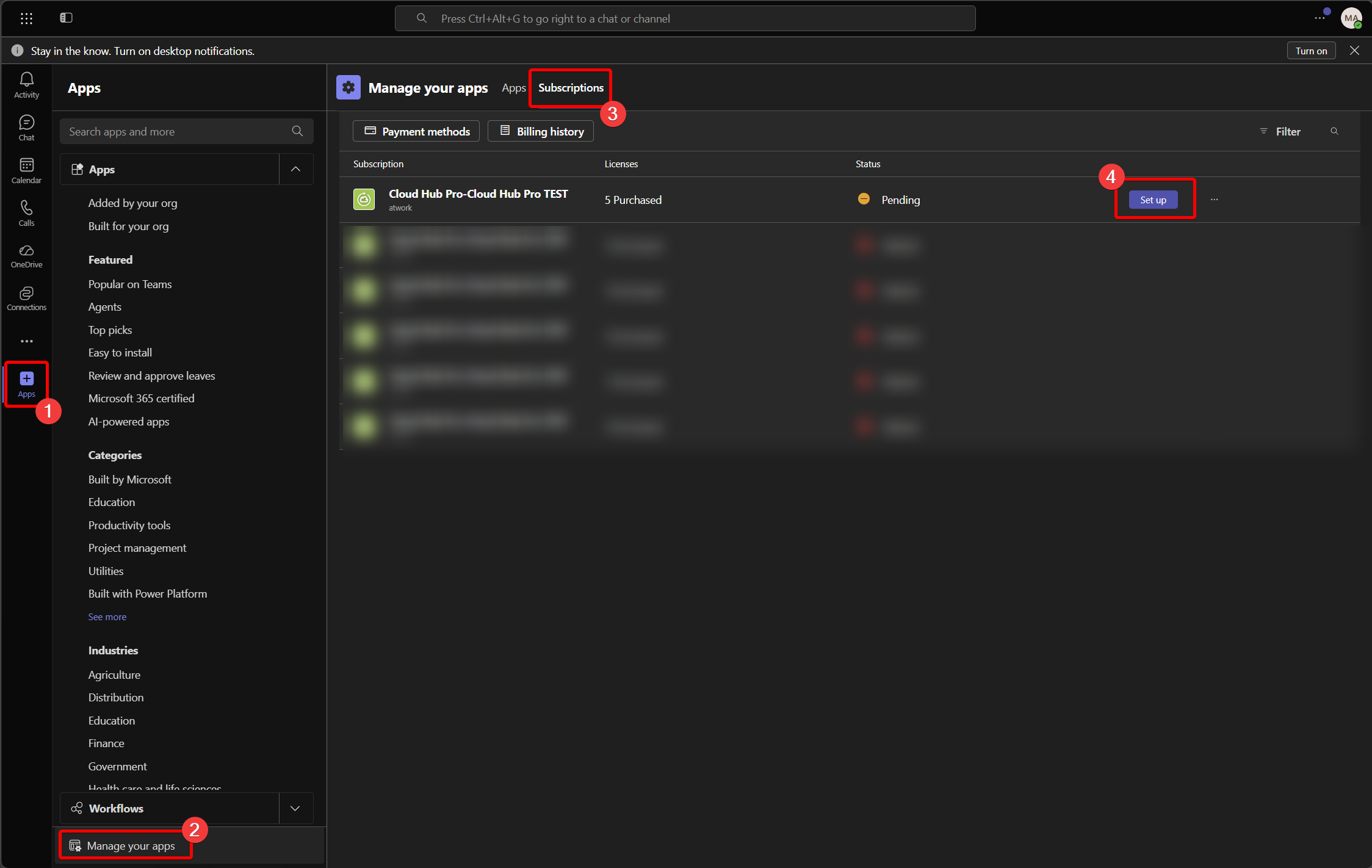
If you're not able to activate the subscription due to missing permissions or other reasons, the activation can be restarted at any time with going through the Microsoft Teams Application and clicking on the Setup button.