Teams Admin Center
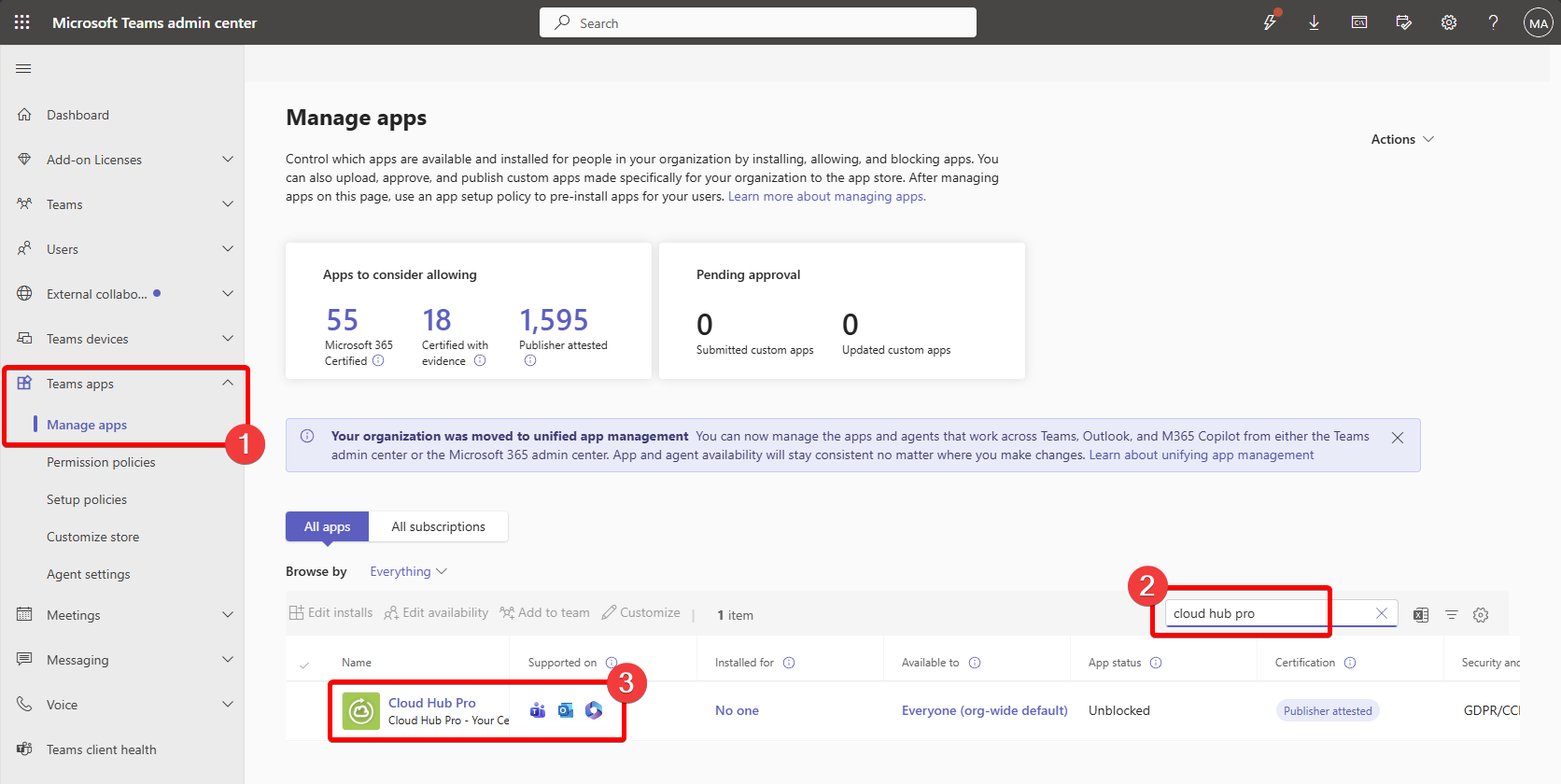
To buy the cloud hub pro through the Teams Admin Center you can find the application under Teams Apps | Manage Apps and search for the Cloud Hub Pro.
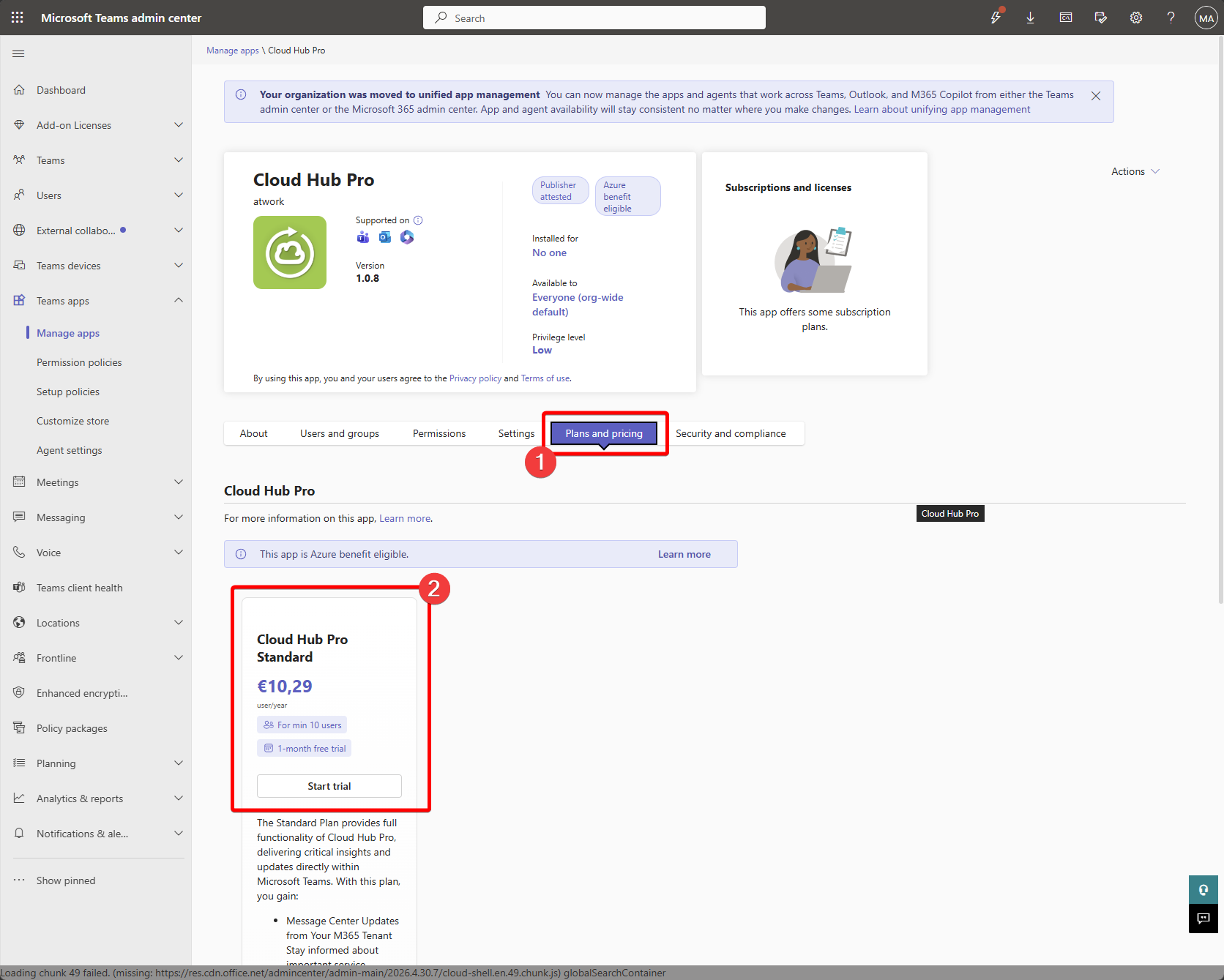
After selecting the Application under Plans and Pricing the available plans can be selected and the buy process can be initiated.
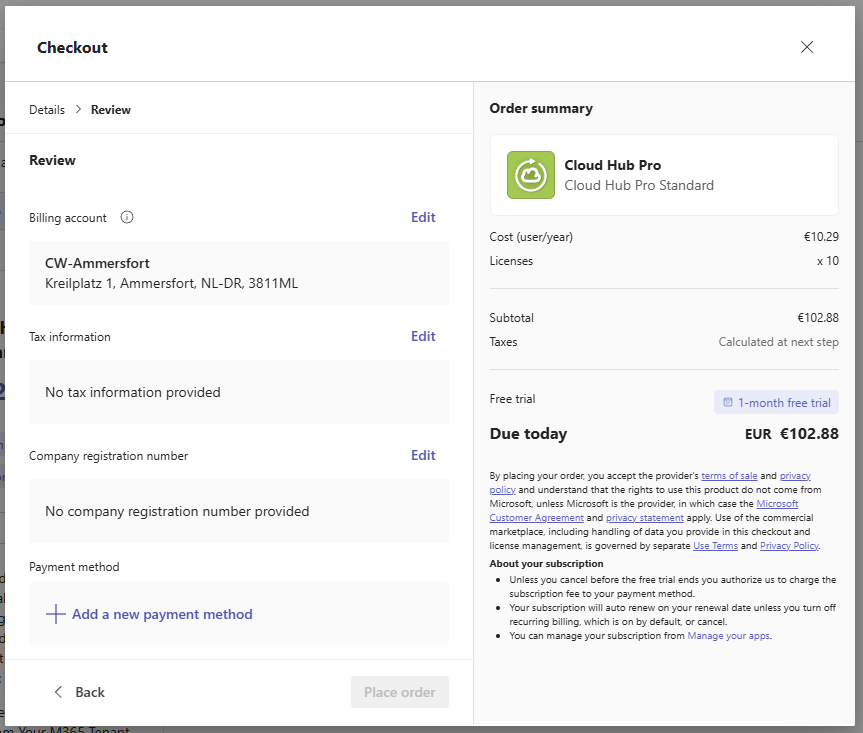
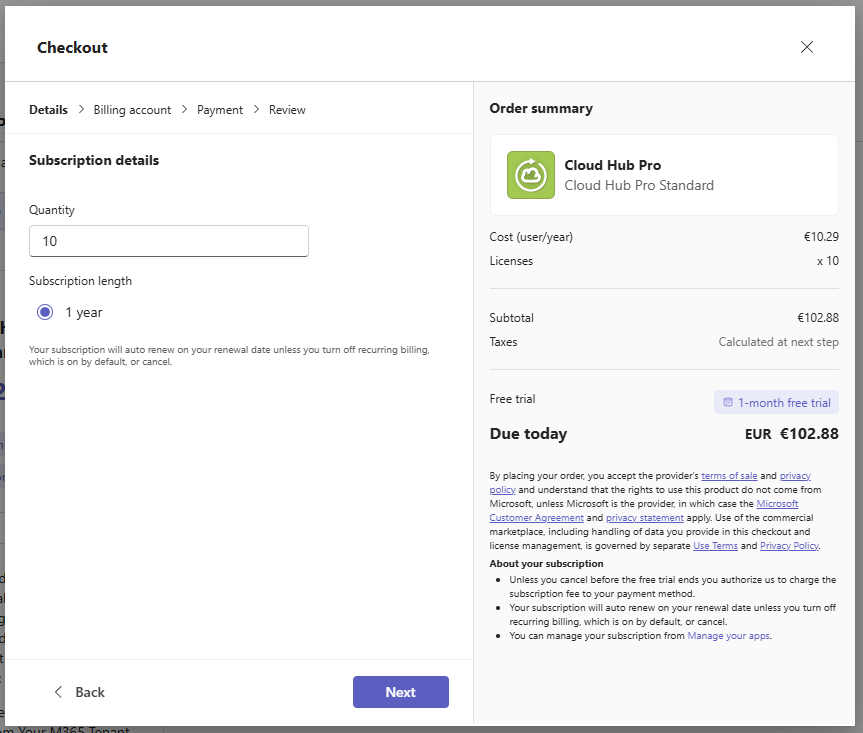
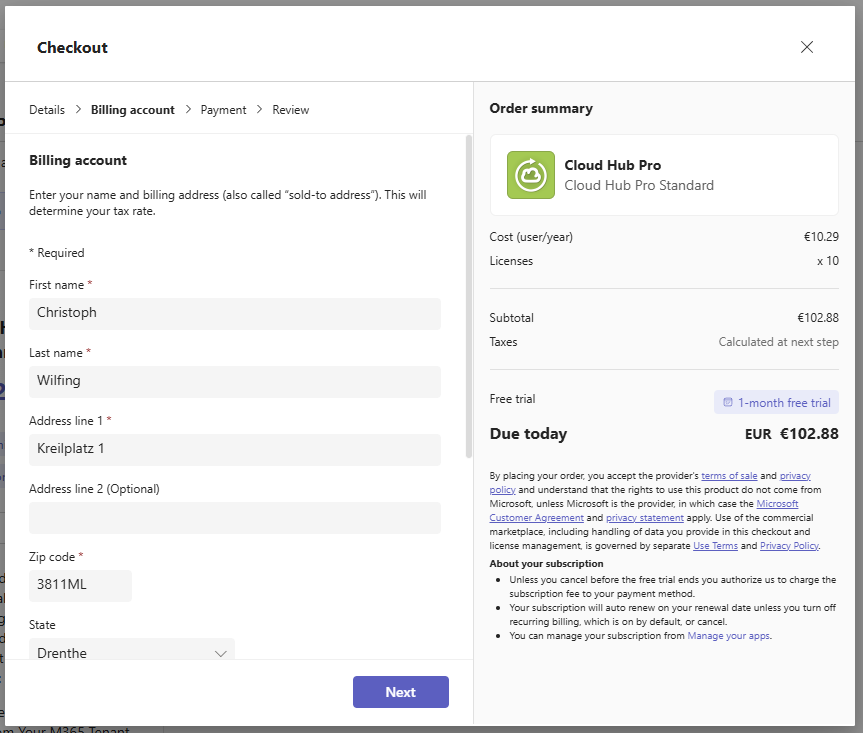
After selecting the number of users to license the billing account needs to be selected. If there is no billing account available a new one can be created.
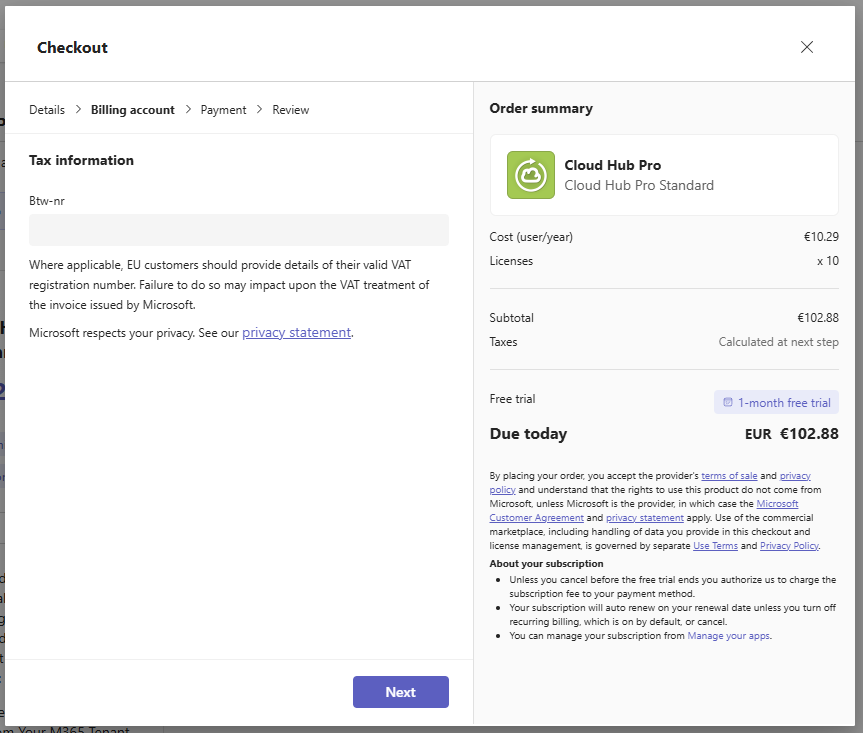
Depending on your location Tax information can be added.
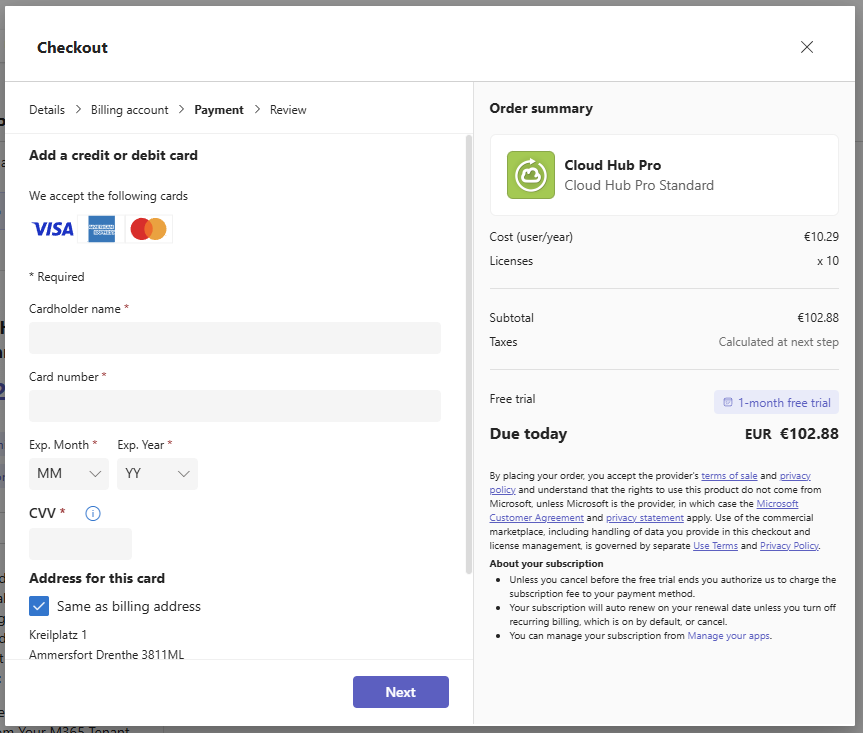
Payment information can be added to the billing profile if not already provided.
Existing Billing Account
If there is already a billing account available, the steps change to only select the billing account to use and review the order after selection of number of licenses to buy.